1) Install our VPN client/software to your device
Our Client app (Outline) is available for desktop and mobile devices, so you can access the open internet and communicate privately wherever you are and from all of your devices.
Note: Make sure to install the app with administrator rights — for example, use Run as administrator on Windows or sudo on macOS/Linux. (Not required for Android or iOS.)
Android – Download
iOS – Download
Windows – Download
macOS – Download
ChromeOS – Download
Linux – Download
2) Paste your Access Key to VPN client/software
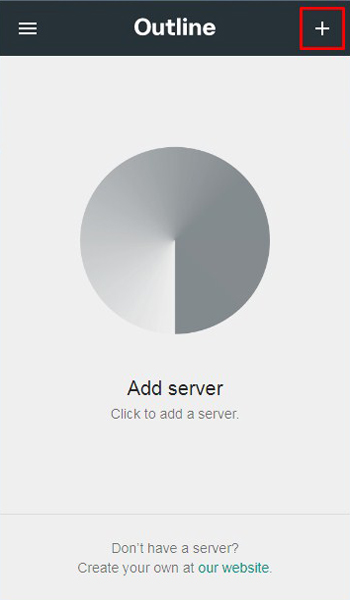
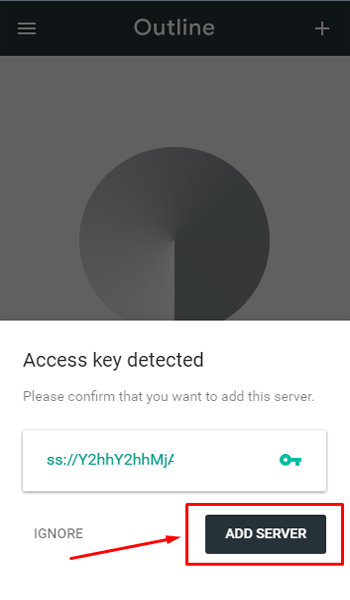
If access key is not auto-detected, please use keyboard shortcuts to paste the key. Windows: CRTL+v ; Mac: Command+v ; Linux: CTRL+v
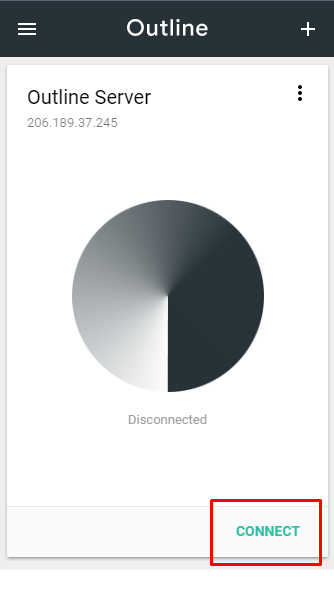
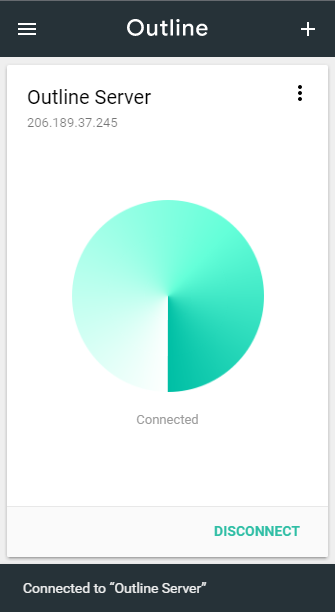
3) Click Connect